
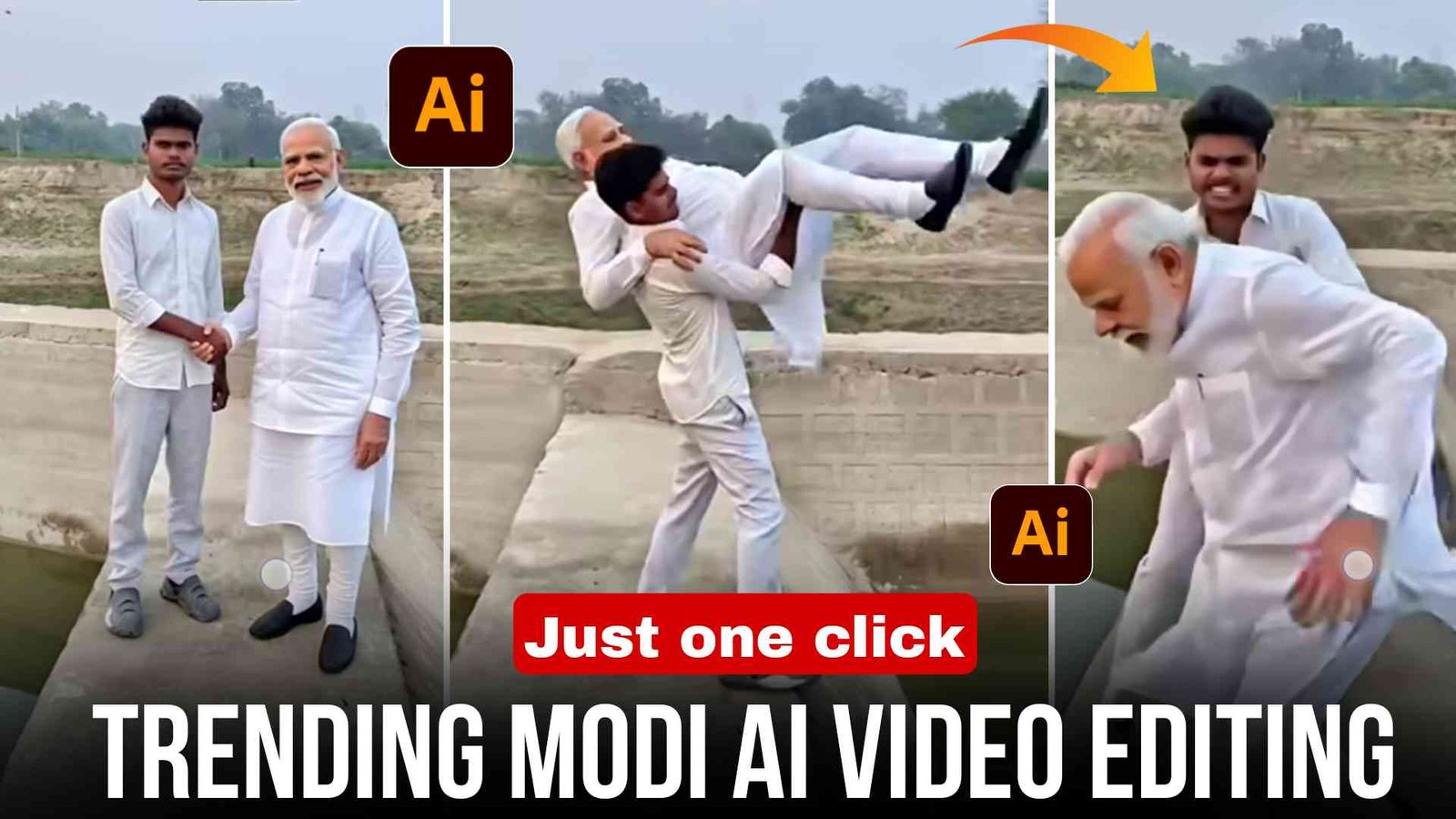
Friends, Modi AI Video Editing is going viral on Instagram these days. Many creators are making funny and cinematic AI videos featuring Narendra Modi, and these reels are getting thousands and even millions of views.
The most interesting part is that you can create this type of video absolutely free using just one prompt. Even if you do not know video editing at all, you can still create this video easily in just one click with the help of AI tools.
So if you also want to learn how to make this trending AI video, read this article till the end.
What is modi ai video
Friends, Modi AI video is a type of AI-generated content in which a photo is first created using an AI image generator, and then that photo is converted into a cinematic video.
In many viral videos, Modi ji appears shaking hands with people, and several people come one by one to greet him. After that, they move away, which makes the whole scene look funny and entertaining.
Because of this unique concept, these videos are spreading very quickly on social media platforms like Instagram reels.
Why This AI Video Trend Is Going Viral
Nowadays creators are always looking for unique and creative content ideas. AI tools make it possible to create such content quickly.
Some reasons why these AI videos are trending:
They look very realistic and cinematic
The concept is funny and engaging
Anyone can create them without editing skills
AI tools generate results within a few seconds
Because of these reasons, many creators are trying this trend to make their reels viral.
How to Create Trending Modi AI Video
To create this type of AI video, you first need to generate a photo with Modi ji using an AI image generator. After that, you can convert that photo into a video using an AI video generator.
Follow the steps below carefully.
Step 1 – Create AI Photo
- First, copy the image prompt given below in this article.
- Then open Google Gemini or any AI image generator.
- Upload any of your photos there.
- Paste the prompt and click Generate.
- Within a few seconds, your AI photo with Modi ji will be ready.
- Now download and save that photo to your device.
Step 2 – Convert Photo into AI Video
- Now you need to convert the image into a video.
- First, copy the video prompt provided in the article.
- Then open the Google Flow AI website.
- Select the Frame to Video option.
- Upload the photo you generated earlier.
- Paste the video prompt and click Generate Video.
- After a short time, your AI-generated video will be ready, and you can download it.
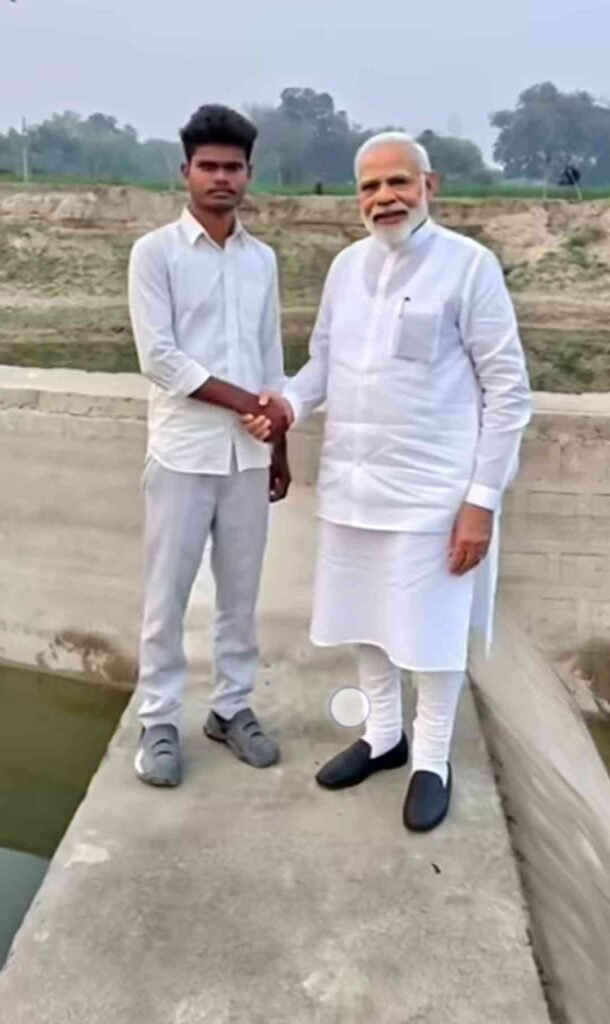
Prompt
Transform the reference image into a high-drama cinematic scene. Keep full focus on the man sitting in front — sharp face, deep focus, natural skin tones. In the background, a force/police SUV arrives at high speed, dust flying. As the vehicle stops, 3 men and 2 women step out wearing force uniforms. One woman walks forward, shakes hands with the man, then warmly hugs him. At the same moment, 2-3 police personnel from nearby vehicles run toward the scene. Cinematic lighting, dramatic mood, ultra-realistic, 4K quality, film look, motion blur, shallow depth of field.”
Features of Trending Modi AI Video
This AI editing method has many advantages:
- A video can be created from a single photo
- No manual editing skills required
- Many tools provide this feature for free
- It saves a lot of time
- The final video looks unique and creative
Because of these features, many creators are using AI tools for their social media content.
Tips to Make Your AI Reel Go Viral
If you want your AI reel to get more views on Instagram, then follow these tips:
- Always use trending Instagram audio.
- Keep your reel short and engaging.
- Upload the video in high resolution.
- Add relevant hashtags related to AI videos.
- Post your reel during evening hours when users are more active.
These small tips can help your reel reach more people.
Important Note About AI Content
While creating AI videos, always make sure that the content is used for creative or entertainment purposes only. Avoid creating misleading or harmful content.
Responsible use of AI helps keep the platform safe and enjoyable for everyone.
Conclusion
Friends, I hope you now understand how to create a Trending Modi AI video using simple AI tools and prompts. The process is very easy: first create an AI photo and then convert it into a video.
If your video does not generate properly on the first attempt, try 2–3 times with different prompts, and you will get a better result.
So go ahead and create your reel. Who knows, your next reel might go viral.