
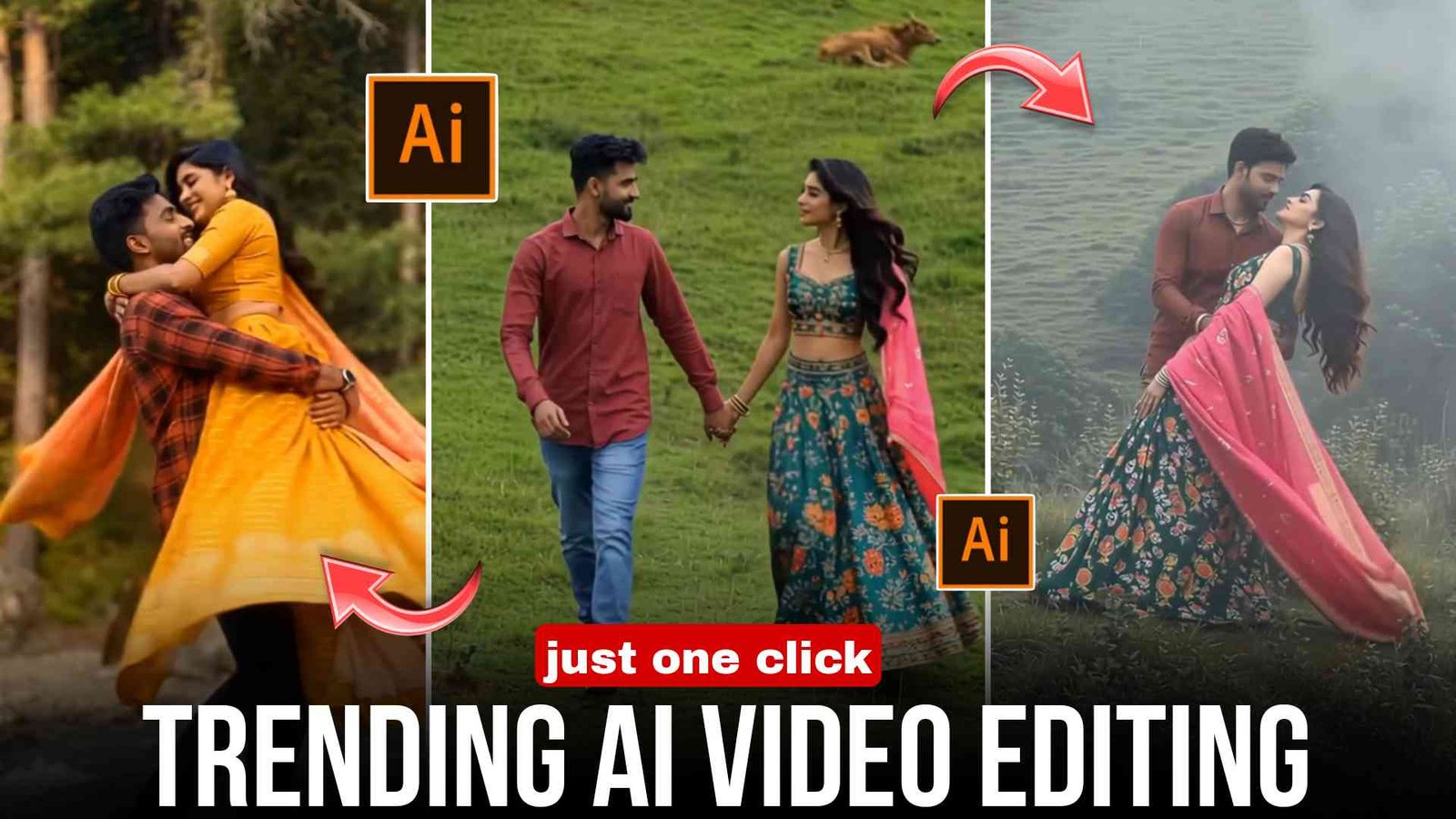
Hello friends, how are you all? I hope you all are doing well. As you must have already seen, a new trend has come on Instagram in which people are using AI to add a girl to their photos and also creating videos with the help of AI. These videos look very amazing, and whoever is uploading such videos is getting very good likes. So if you also want to create a girl AI video, then let me tell you how you can easily make this type of video.
What is Girls Ai Video Editing?
This is a video created with the help of a photo in which a girl and a boy are present, and both of them love each other. The scene is mostly of mountains and looks very natural. This type of video looks very realistic and is currently very trending. You can create it using only your normal photo, and it is mostly used for Instagram and YouTube Shorts.
What tools do that?
Friends, if you also want to create this type of video using AI tools, then you need to use Google Gemini or ChatGPT to create the photo. And to convert that photo into a video, you can use the Google Flow website or Grok AI. These tools are mostly free and give high-quality and best results, and currently most creators are using these tools.
What do you need to make an eye video?
To create this type of video, you only need one clear face HD photo, and by using a proper prompt, you can create the best video. You just need to know how to use these tools properly, and you can easily create this video on your mobile by following some simple steps.
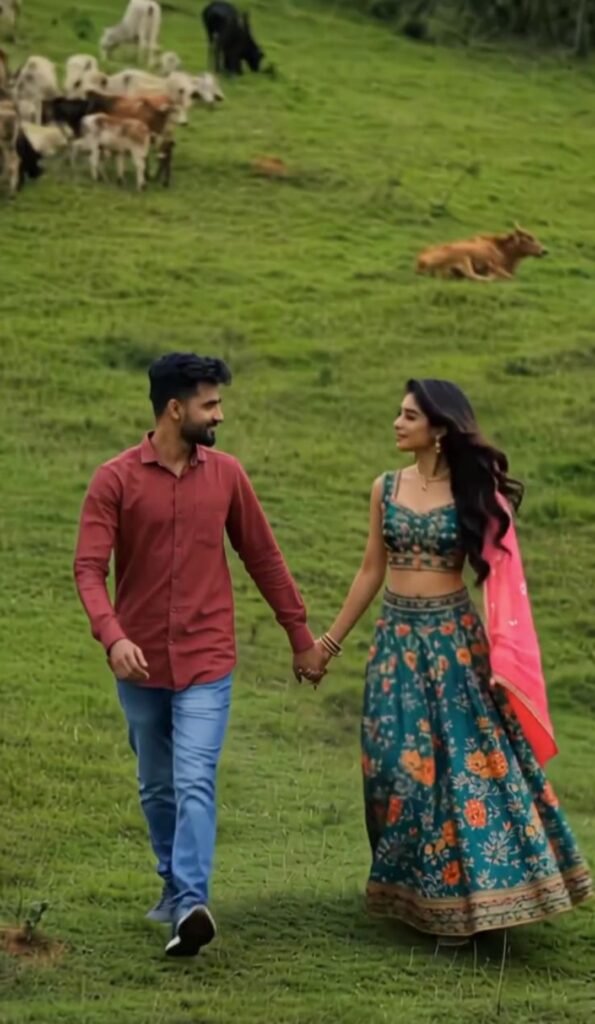
Image Prompt
Create a realistic cinematic photo of a stylish Indian girl standing beside a black Scorpio car on a city road at night, wearing trendy streetwear clothes, soft wind effect in hair, neon lights, luxury vibe, realistic face details, shallow depth of field, ultra realistic, 4k quality, instagram viral style, cinematic lighting
Video Prompt
A stylish Indian girl slowly walking beside a black Scorpio car at night, cinematic camera movement, soft hair flowing in wind, realistic street lights, luxury vibe, slow motion, viral instagram reel style, realistic shadows and lighting, smooth motion, cinematic atmosphere
Step-by-Step AI Girls Video Editing
So now let me explain in a very easy way how you can also create this girl AI video. If you want to learn, then follow the steps given below:
- First of all, copy the photo prompt given in the article.
- Open Google Gemini or ChatGPT application and upload your photo.
- Then paste the prompt there and simply send it.
- After some time, your photo will be generated, and you can download it by clicking on download and save it in your gallery.
Okay, the photo is created. Now let’s convert it into a video.
For this, open the Google Flow website and create an account using your Gmail.
Click on new project and create a new project.
Now you will see an option called “Nano Banana” at the bottom side, click on it.
Then select video there and set the format to 9:16 and 1x, then go back.
Now you will see a start option, click on it and upload the generated photo from your gallery.
After that, in the prompt, write “add slow movement” and simply send it.
Then wait for a while, your video will start generating.
After some time, your video will be ready there.
You can download it by clicking on download and easily save it in your gallery.
How to manually edit a video
Friends, after your video is generated, you need to do a little manual editing in it. That means you have to add the generated video clip in an app like CapCut, add trending music, do a little color grading, and add transitions. That’s it, you don’t have to do too much editing, keep it normal. While exporting, select 4K so that the quality of your video does not reduce.
Conclusion
Friends, even if you don’t have a girlfriend, you can still create such an AI girlfriend video. You just need to upload your simple photo and paste the prompt given by me, and your photo with a girl will be ready. Then you can go to the Google Flow website and convert it into a video, and upload it on Instagram, Facebook, or YouTube to get good likes and views. So friends, I hope you liked this article. If you liked it, then do share it with your friends. That’s all for today’s article, see you next time