
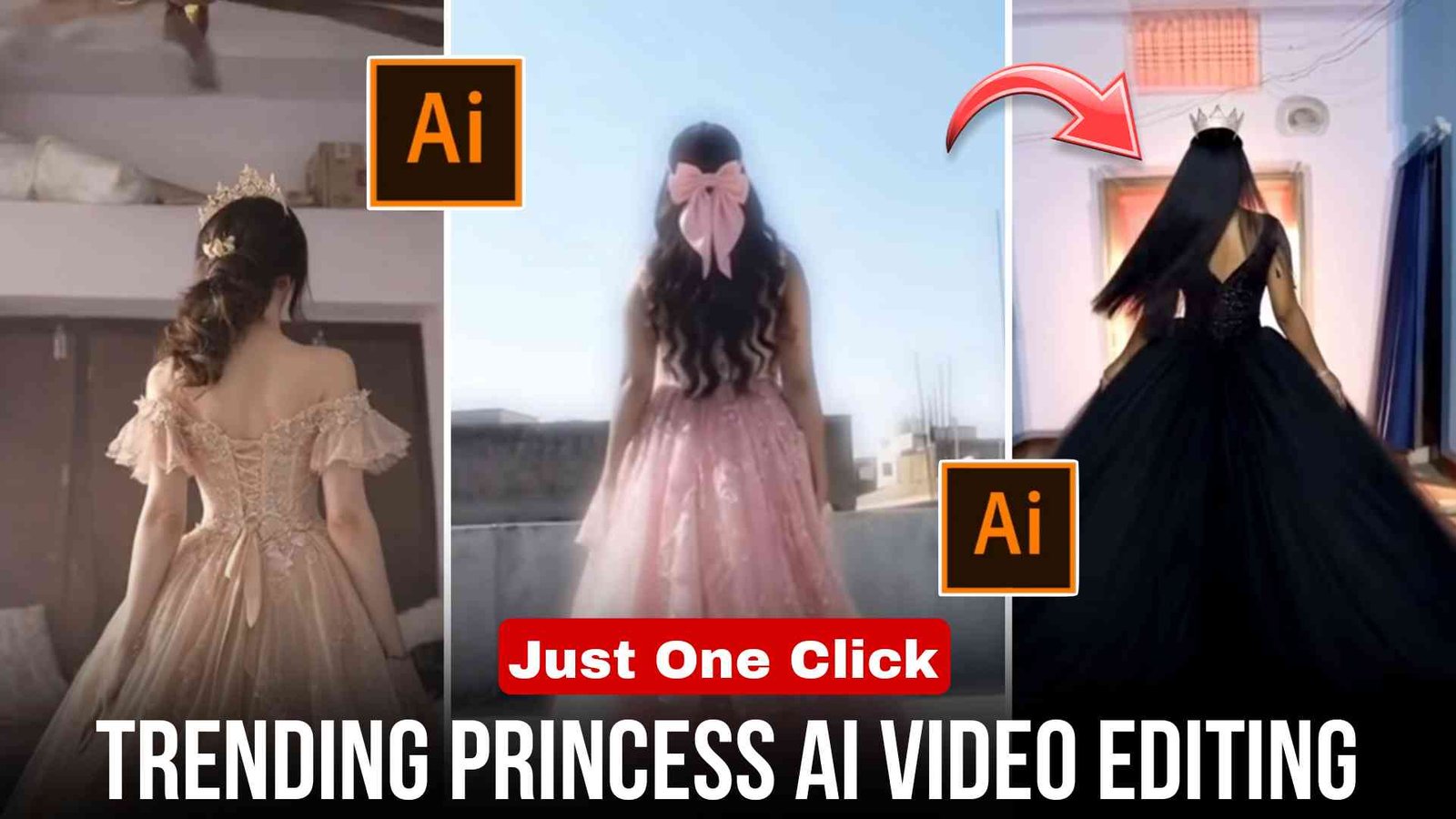
Trending Princess AI Video Editing :- Friends, at present AI Princess videos are trending very fast on Instagram, Facebook, and YouTube Shorts. And whoever is creating and uploading such videos is getting good views and good likes on their videos.
You can create such a video with the help of just one photo, and the most interesting thing is that for this you only need one prompt and one photo, with the help of which you can create a Princess AI video.
So if you also want to create your viral princess video, then you have come to the right place. Because in today’s article I am going to explain step by step in full detail how you can create an AI Princess video, that too very easily.
What is Trending Princess AI Video Editing?
Princess AI Video is a process in which Artificial Intelligence tools convert a normal photo into a princess-style video.
In such videos, AI automatically adds dress, crown, glowing light effects, cinematic background, and slow motion animation. And the final result looks like a fairytale princess cinematic video, which looks very amazing to watch. That is why Princess transformation reels are going very viral at present.
Friends, nowadays every content creator wants to create unique and professional videos that look different from others, and this Princess AI video also comes in the same category.
In this you get these benefits:
- The video looks magical and cinematic
- A video is automatically created from a photo
- There is no need to do any editing
- It is the perfect format for Instagram reels
- People like to watch transformation video
Because of this reason, this video is trending a lot and many creators are using AI tools to create Princess AI videos.
How to Create a Princess AI Photo
Friends, to create a Princess video, first you need to create a Princess AI photo. Now let me tell you step by step how to create the photo.
- First, you have to copy the image prompt given in the article.
- After that, open the Google Gemini or ChatGPT app.
- Then upload any of your photos there.
- After that, paste the copied prompt there and click on Generate.
- Now you just have to wait for a while. After some time, your Princess AI photo will be ready.
- Then you can click on Download and save the photo in your gallery.
How to Convert Princess AI Photo into Video
- Now that your Princess AI photo has been created, let me tell you how to convert it into a video.
- First, you have to copy the video prompt given in the article.
- Then open Meta AI.
- After that, upload the generated photo in Meta AI and paste this prompt there.
- Now just click on Generate, and your Princess AI video will start generating.
- And after a short time, your Princess AI video will appear there.
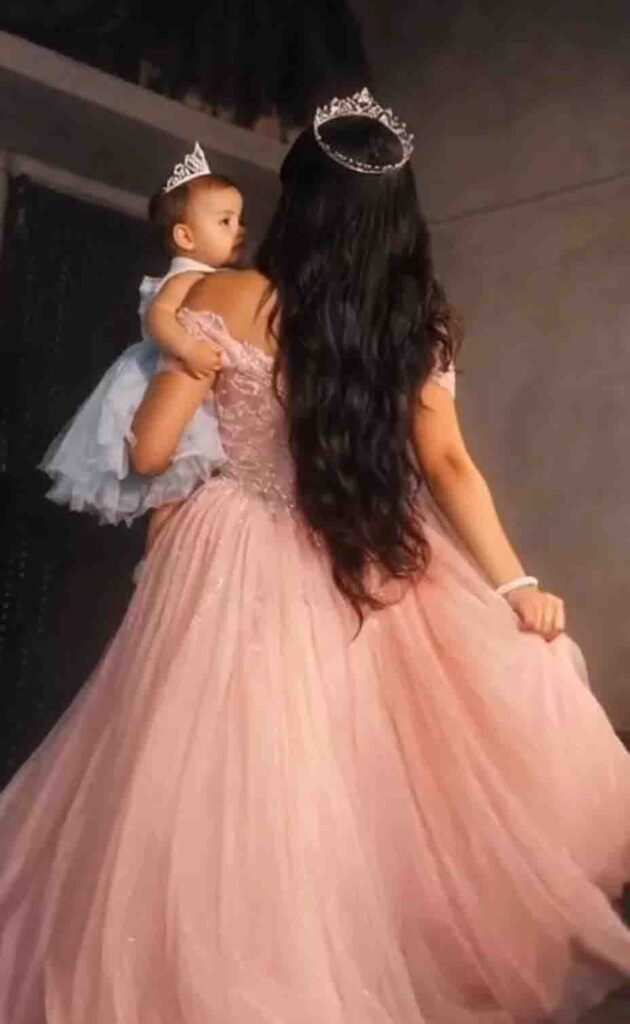
Photo Prompt
Keep the original background, lighting, pose, and composition exactly the same. Do not change the face, body, or environment. Only change the dress of the woman into a luxurious royal princess gown, highly detailed, soft fabric, elegant design, long flowing dress with cinematic look. Maintain natural skin tones and realistic texture. Baby and all other elements remain unchanged. Ultra realistic, high quality, 4K, soft lighting.”
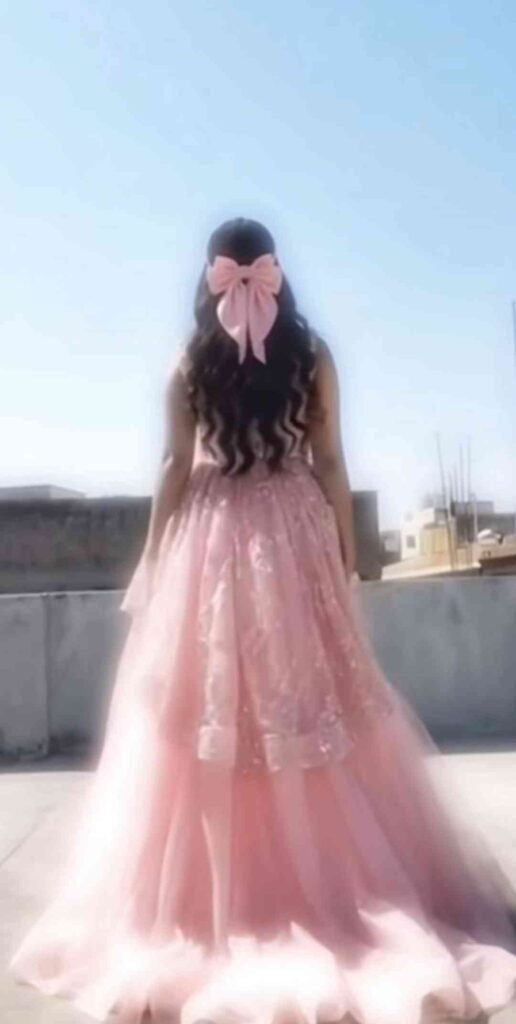
Photo Prompt
A high-resolution, cinematic back-view shot of a young woman with long, flowing dark wavy hair, walking on a rustic mountain trail. She is wearing a magnificent, voluminous off-the-shoulder ball gown in a gradient of sky blue and white, featuring intricate silver embroidery at the waist and a shimmering tulle skirt that flares out. The background consists of tall, slender pine trees and rolling green hills under a soft, overcast sky. The lighting is natural and ethereal, with a slight motion blur in the hair to give it a dynamic feel. DSLR quality, 8k, shallow depth of field.
Video prompt
Create a cinematic video from this exact image without changing the girl’s face, body, or outfit. The girl is walking slowly forward on a beautiful scenic path. As she walks, her long elegant dress flows gracefully in the wind, showing the full beauty and movement of the dress. The camera gently follows her from behind in smooth cinematic motion. Soft wind moves her hair and the fabric of the dress, making it look very graceful and beautiful. The environment is calm and dreamy with soft natural light, clouds slowly moving in the sky, and a peaceful atmosphere. Ultra-realistic motion, elegant aesthetic, high quality cinematic video, full dress clearly visible while she walks.
Princess AI Video Editing Features
Friends, Princess AI videos have many advantages, such as: A video can be directly created from a photo
There is no need to learn or do editing
Magical and cinematic effects are added automatically
The video is exported in high quality Because of this, beginners can also easily create Princess AI videos.
How to Make Princess AI Video Viral
If you also want to make your Princess video viral, then you should use trending music and upload the video in high quality.
Keep the video duration between 7 to 10 seconds.
While uploading the video, make sure to use hashtags.
And if you upload the video in the evening time, you may get even better results.
By following these simple steps, you can make your video viral.
Conclusion
Friends, I hope you now understand how to create a Princess AI video.
For this type of editing, you only need one photo and one prompt. First create a photo and then convert it into a video with the help of an AI tool.
If you do not get a good result on the first try, then try 2–3 times, and you will get a better result.
So go quickly and generate your Princess AI video and upload it on Instagram. Maybe your next video will go viral.