
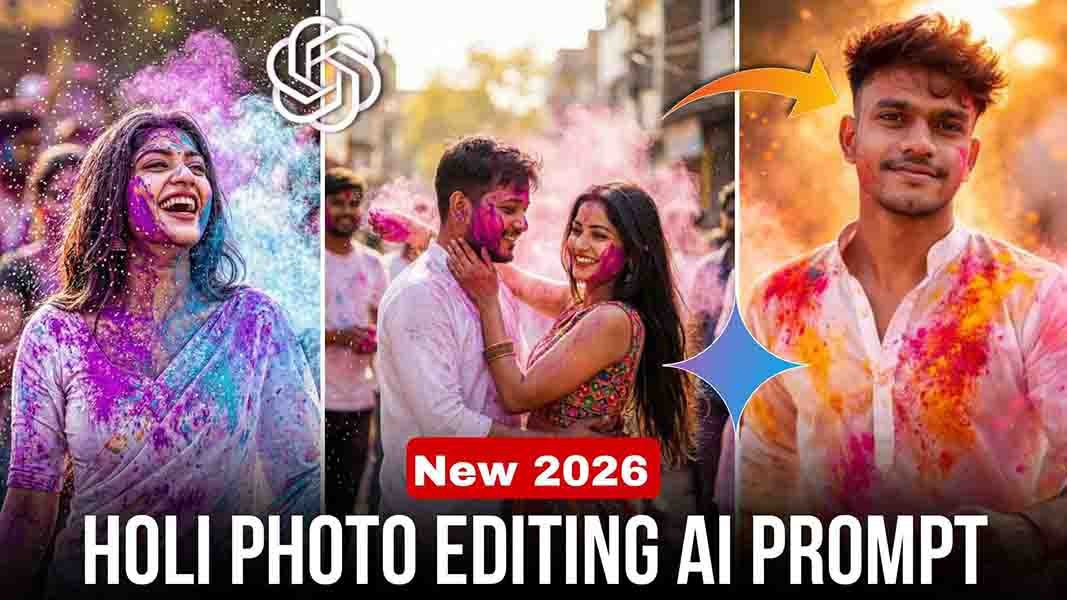
So friends, if you’re thinking of posting your old photos this Holi, hold off, because in this article, I’m giving you some Holi prompts that are sure to become trending. So, if you want to create your own Holi photo, you should definitely read the article until the end. In this article, I’ve provided prompts for boys, girls, and couples, and explained in very simple language how you can use these prompts to create a special Holi photo for 2026.
Details Happy Holi 2026 AI Photo Editing Prompt
Friends, with these Holi prompts, you can create high-quality and trending Holi photos. You can easily create boy photos, girl photos, or couple photos. There are separate prompts for each. The most important thing about these prompts is that they don’t change your face. The face in your photo appears exactly as it appears in the result. With these prompts, you can create perfect, professional photos for a colorful Holi.
What is Holi
Holi is celebrated with gulal (coloured powder) and is a major and popular festival in India, celebrated in February or March. It symbolizes the victory of good over evil and a celebration of love and peace.
What is AI Prompt
Friends, with the help of AI Prompt, you can easily create photos or videos. You just need to know how to use AI correctly. If you write the correct and detailed prompt, you can achieve excellent results. AI Prompt works like a script for a photo or video. It tells you how to create a photo or video—such as style, color, background, effects, and mood. At present, the trend of AI Prompt is growing rapidly, and people are using it to create professional and creative content.
How to create Holi Image from ChatGPT ?
How do you create a photo in ChatGPT? If you don’t know how, that’s okay. Just follow the steps below and you’ll be on your way.
- First of all, you have to copy whichever prompt you like from the ones given in the article.
- After that, open the ChatGPT website or application and log in. If you don’t have an account, then create one.
- After that, you have to click on the niche plush icon and add your normal photo with a clear face from the gallery.
- And paste this prompt and send it. Your photo will start getting created.
- Now you just have to wait a little, in a short while your Holi photo will be ready.
- So save it in your gallery.
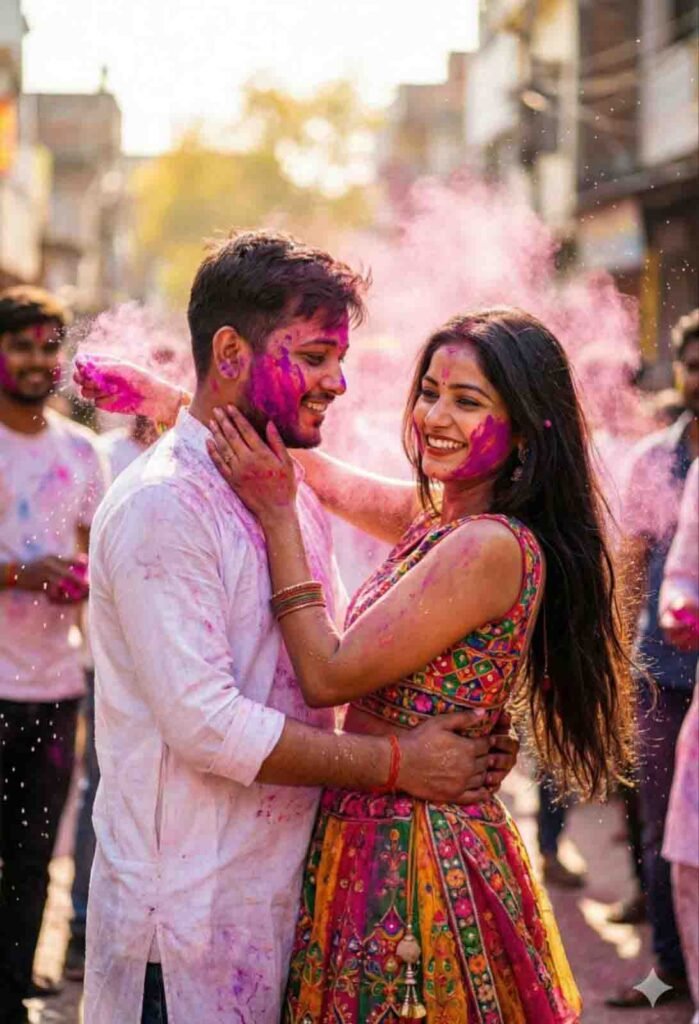
Couples Prompt
Use this reference image 1/2 “Ultra-realistic cinematic portrait of a young handsome Indian man (mid-20s, sharp jawline, warm smile, white kurta with Holi colors) and beautiful young Indian woman (mid-20s, long hair, joyful eyes, colorful lehenga with gulaal), in romantic embrace throwing pink powder at each other during Holi festival. Bustling street background with flying colors, water splashes, friends blurred, bright daylight golden lighting, glistening skin, shallow depth of field, 4:6
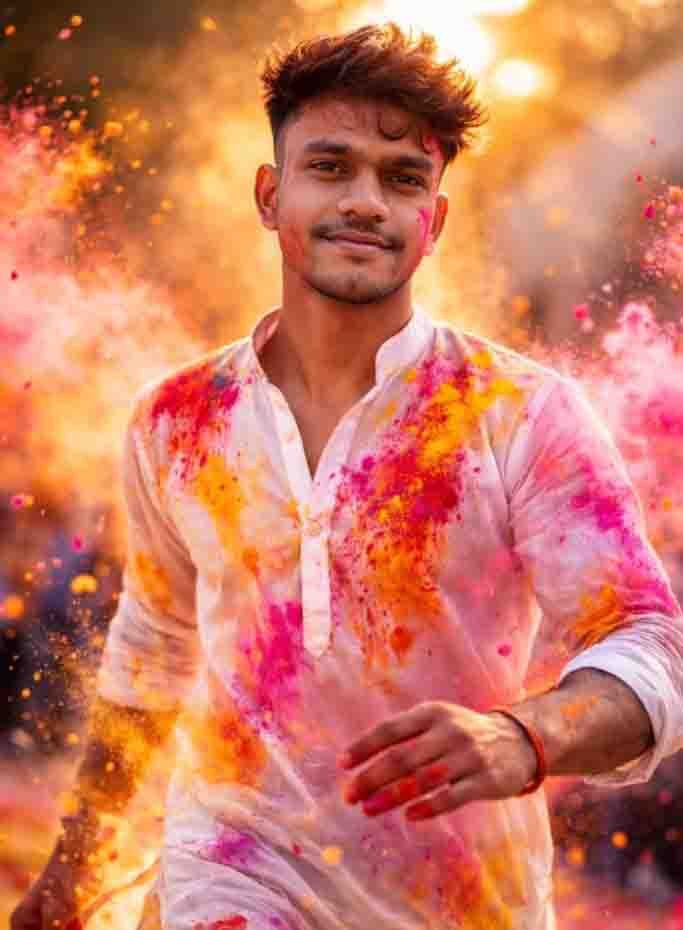
Boy Prompt
Ultra-realistic 8K cinematic Holi portrait of a young man (reference face) in a white kurta, lightly dusted with vibrant gulal. He stands mid-motion as colorful powder swirls around him in slow motion, smiling softly with confident energy. Stylish messy hair, light beard. Warm sunset backlight creates glowing rim light through flying pigments. Dreamy outdoor bokeh, dynamic particles, shallow depth of field, high contrast, festive and powerful atmosphere. Final instruction (non-negotiable):
Faces and ages are locked. Any change to facial features or age is strictly forbidden. The output must preserve the exact original faces and ages from the uploaded images.
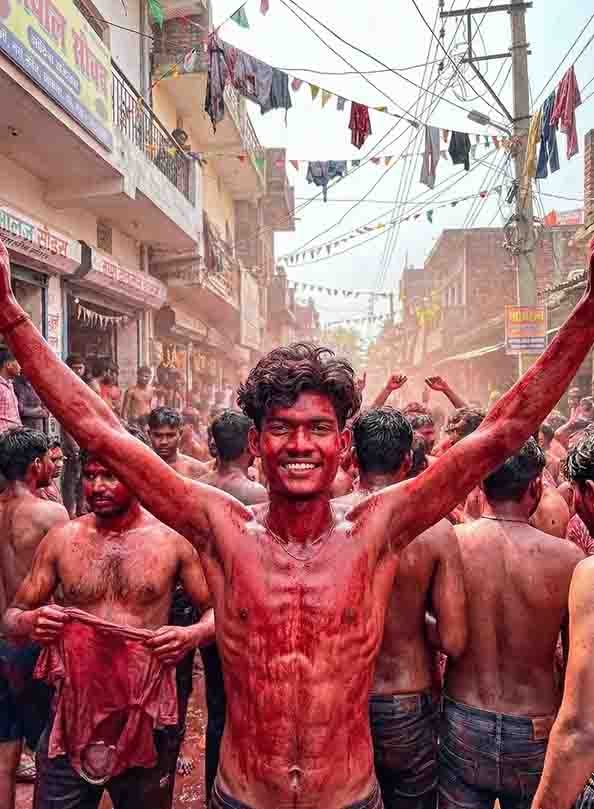
Boy Prompt
ULTRA-REALISTIC 8K PORTRAIT OF A STYLISH YOUNG MAN [KEEP IT REAL FACE FROM UPLOADED IMAGE]
A HYPER-REALISTIC, CINEMATIC WIDE SHOT OF A HIGH-ENERGY “KAPDA FAAD” HOLI CELEBRATION IN A CROWDED, NARROW STREET BAGAHA, INDIA. THE CENTRAL FOCUS IS ON A GROUP OF MEN, SHIRTLESS AND COMPLETELY DRENCHED FROM HEAD TO TOE IN THICK, DRIPPING CRIMSON-RED LIQUID COLOR. THEIR SKIN IS GLOSSY AND WET, WITH VIBRANT RED PIGMENT CAKED ON THEIR FACES AND HAIR AND CROWD OF PEOPLE AROUND FROM HIM. ONE 17 YEARS OLD SHIRTLESS YOUNG MAN WITH VOLUMINOUS, MESSY DARK WAVY HAIR AND A CLEAN TAPER FADE STANDS WITH HIS ARMS RAISED IN A GESTURE OF TRIUMPH AND JOY AND LOOKING TOWARDS THE CAMERA. HE IS WEARING A BAGGY, WIDE-LEG WASHED BLACK DENIM JEANS AND BLACK RECTANGULAR SUNGLASSES. OTHER MAN LIFT HIM HIGH. IN THE BACKGROUND, THE URBAN STREET IS FILLED WITH THE CHAOS OF THE FESTIVAL: SHOP SIGNS IN HINDI, FESTIVE BANNERS, AND OVERHEAD POWER LINES DRAPED WITH HUNDREDS OF TORN, COLORFUL CLOTHES.
THE ATMOSPHERE IS ECSTATIC AND CHAOTIC, WITH SUNLIGHT FILTERING THROUGH THE CROWD, HIGHLIGHTING THE TEXTURES OF THE WET COLOR AND THE STEAM OF THE FESTIVE HEAT. 8K RESOLUTION, HIGHLY DETAILED, DOCUMENTARY PHOTOGRAPHY STYLE, AR–3:4
Girls Prompt
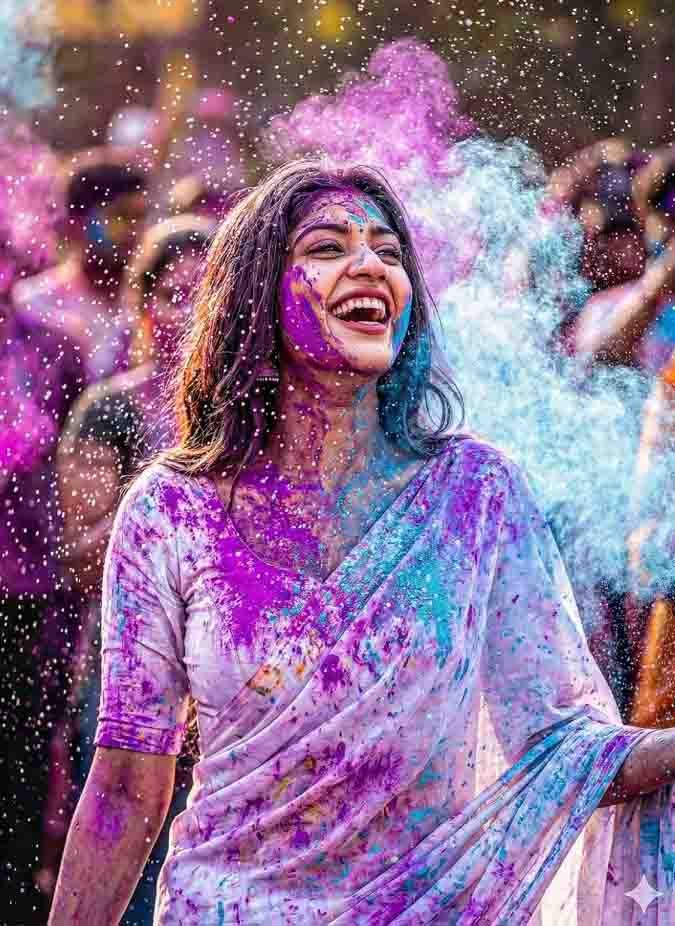
High-speed photography shot. The woman is laughing joyfully as a cloud of vibrant neon purple and sky-blue powder explodes around her. Her white saree is becoming a canvas of colors. Water droplets glistening in the air like crystals. Candid expression, eyes sparkling with happiness.
Background is a blurred festive crowd. Hyper-detailed textures of skin and fabric.
Create holi image ai
How to Create Holi image for Google Gemini
We’ve taught you how to create photos with ChatGPT. Now, let me teach you how to create photos with Google Gemini.
- First, open the Google Gemini website or application and carefully log in.
- If you don’t have an account, create one. Now you need to select a model.
- Then click on the plush icon and upload a photo of your clear face.
- And paste this copied prompt and send it.
- After a short processing time, your Holi photo will be ready.
Pro Tips to Make Your Photos Look Better
Friends, your photo has been created, but it doesn’t look great yet. The colors are a bit dull, the brightness and contrast aren’t right, and your face has become dark. So, first, you need to add your photo to any photo editing app, where you can manually adjust it to your liking. You can even lighten your face. After that, just a little color grading will make your photo look amazing and beautiful, and when you upload it to social media, everyone will think it was created by a professional editor.
Conclusion
So friends, now you can convert your normal photo into a Holi photo, and that too in just a few seconds, using just a prompt with the help of AI. So, I hope you understand everything about creating a Holi photo. If you still have any problems, please leave a comment in the comment section below. And that’s all for today’s article. See you in the next one, and from me, Happy Holi to all of you in advance
Follow us on Instagram for daily templates. :- https://www.instagram.com/editpro_tips_2?igsh=MWFyN3Z4MjFvcmo2Yw%3D%3D&utm_source=qr
Sohani