
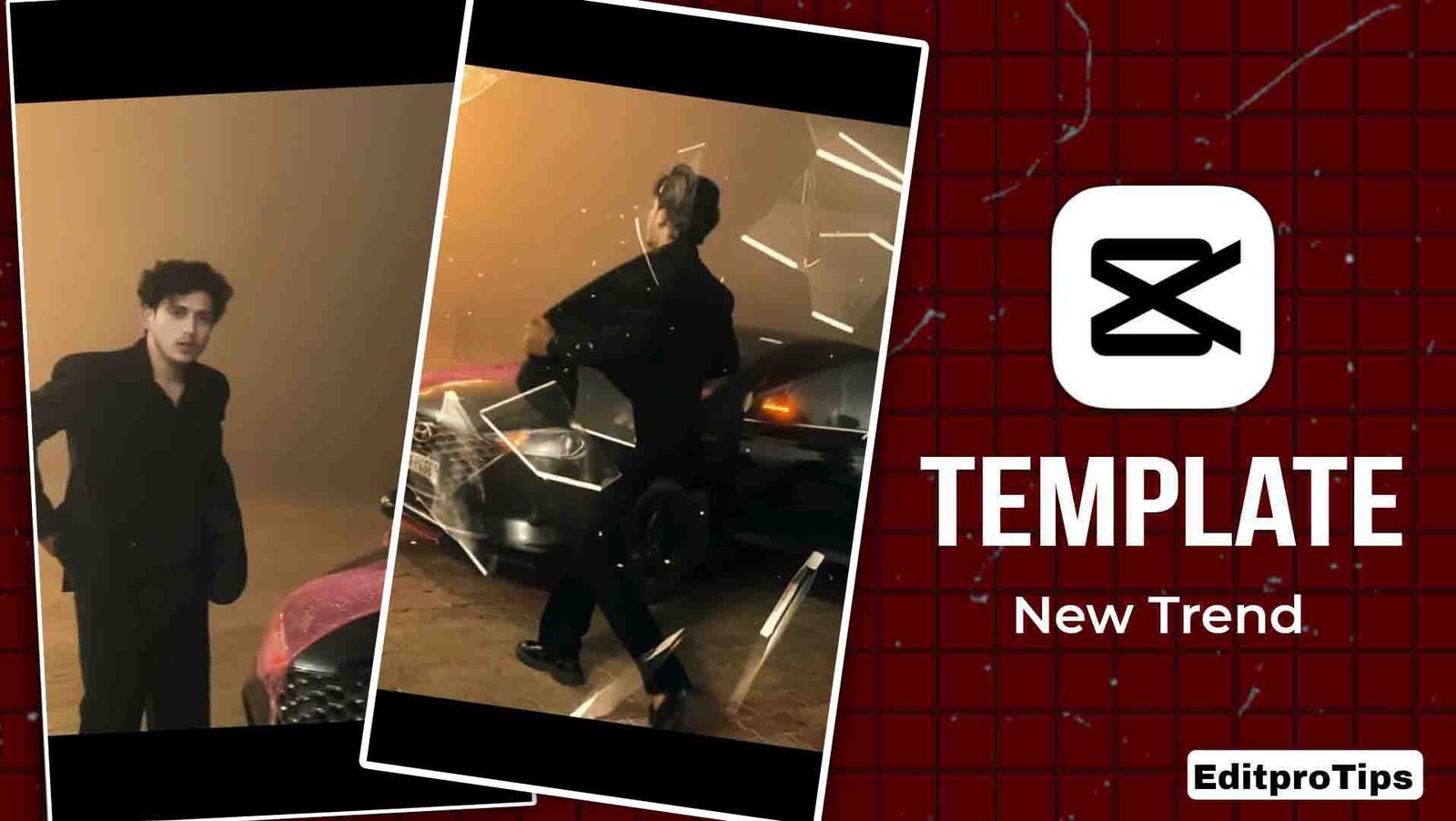
Hello friends, once again welcome to my website Editprotips.
So friends, today I am going to give you another amazing template using which you can edit your video in just one click, and I am providing this template absolutely free.
Even if you do not know video editing at all, you can still edit your video very easily with the help of this template. Now let me explain in detail how you can use it.
What is Template by Editprotips
Friends, I share new templates daily on my Editprotips website. All the templates provided on Editprotips are 100% working.
You will not face any network error or any kind of problem while using these templates. You can use all these templates absolutely free.
The templates available on Editprotips are always trending, so if you want to make your video viral, you can use the Editprotips templates.
Why Creators Use Editprotips Templates
Nowadays, template-based editing has become very popular on Instagram and YouTube Shorts. People prefer videos with trending transitions and beat sync editing instead of simple videos.
By using Editprotips templates, you can create professional-looking videos in just one click, which is why many creators use these templates.
How to use editprotips Template
Friends, you can use both VN Template and CapCut Template. Below I am going to explain the process for both.
How to use CupCut templates
- First of all, you need to install the CapCut app on your mobile.
- After that, you have to connect any free VPN.
- Then you have to use the template provided by me.
- Click on the template and add your video.
- Now simply click on Next, and the effects will automatically start applying to your video.
- Within a few seconds, your video will be ready.
- After that, you can save the video in your gallery without watermark.
How to use the Editprotips Vn template
- First of all, you have to take a screenshot of the web code template provided by me.
- After that, install the VN application on your mobile.
- Now open the VN application and click on the Scanner option.
- Then scan the VN code template.
- After the template opens, add your video.
- As soon as you click on Next, your video will automatically be edited.
- Then you can save that video in full HD quality without watermark in your gallery.

Features of Template by Editprotips
- You can use these templates absolutely free.
- All the templates provided on Editprotips work properly.
- You can easily use them in the CapCut and VN apps.
- With the help of these templates, you can edit your video in just one click.
Tips to Get Better Results from Templates
If you want your video to look more attractive, then follow some simple tips.
- Always use high-quality photos or videos.
- Shoot your video in Instagram Reel format (9:16).
- Use trending music and hashtags.
- Keep uploading reels regularly.
- This will help increase your profile reach and engagement.
who is Editprotips
Friends, my name is Vikas Verma and I am a video editor. I have been doing video editing for a long time.
That is why I regularly share templates and editing tips on my website Editprotips.
If you want to learn video editing or want me to edit your video, you can message me on Instagram.
Last word
So friends, I hope you have understood how you can edit your video using the Template by Editprotips.
If you still face any problem, you can comment in the comment box below. I will try my best to reply to you.
And also tell me how you liked this post by commenting.
Thank you.