
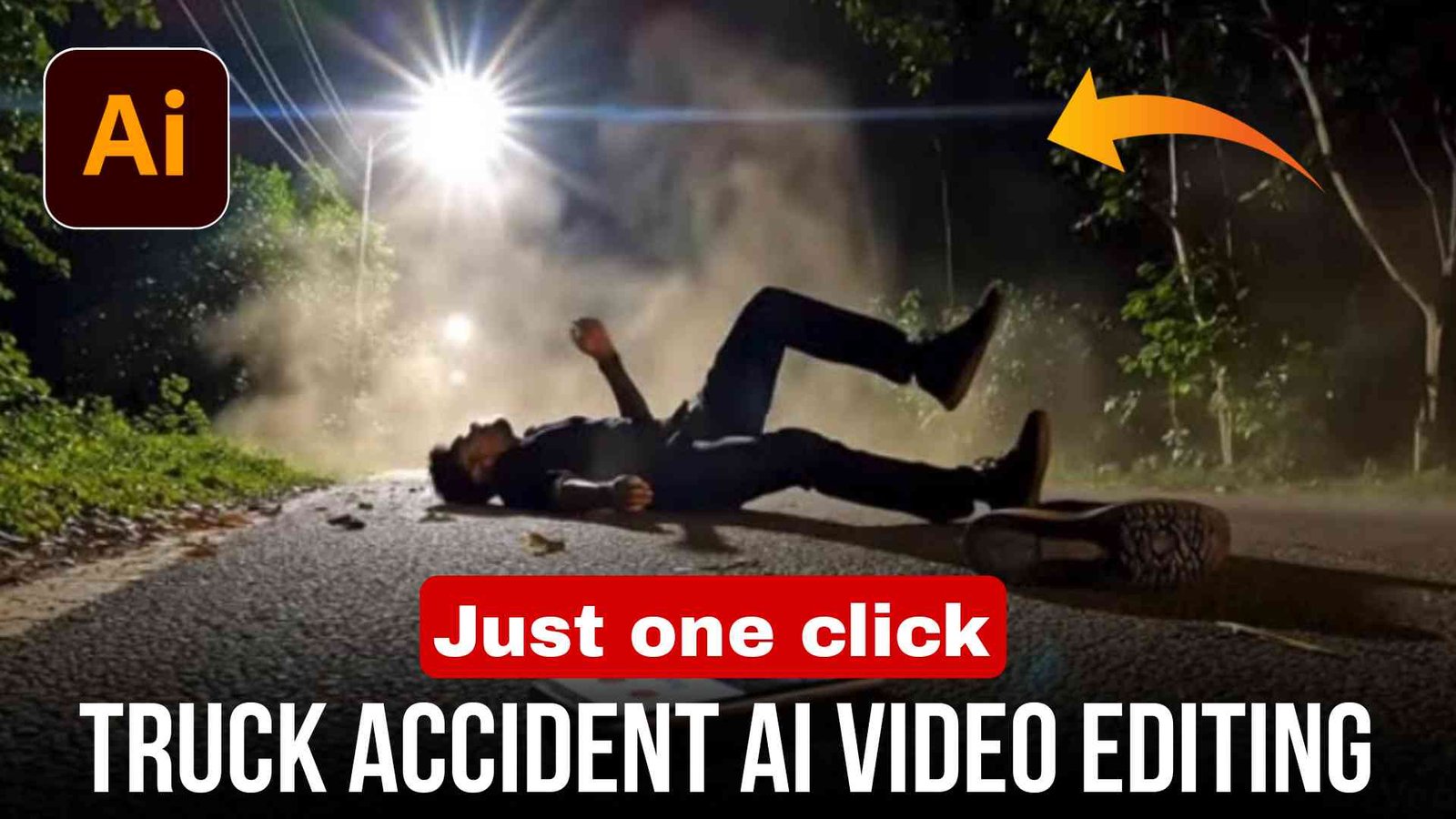
So even if you do not know video editing at all, you can still create your own videos using AI tools, and the results can look quite realistic and cinematic.
Friends, right now truck accident style AI videos are going viral on Instagram. Many creators are making dramatic and cinematic videos using AI tools and getting a lot of views. If you also want to create a similar video, then let me explain step by step how you can make it easily.
How to make a truck accident video
- First of all, you need to install the Google Gemini app on your phone.
- After opening the app, you need to select the Video Create option.
- Now copy the prompt given below in this article.
- Then upload any of your images in Google Gemini and paste the prompt there.
- As soon as you send the prompt, the AI will start generating your video automatically.
- Within a short time, your AI-generated video will be ready.
- After that, you can simply download the video and save it in your gallery.
What is AI video?
Friends, earlier making cinematic videos required expensive cameras, professional editing software, and a lot of time. But now with the help of Artificial Intelligence (AI), this process has become very simple.
Today there are many AI tools and applications that can convert photos into videos automatically. You just need to upload an image and give a prompt, and the AI will create a realistic video for you within seconds.
This technology is becoming very popular among content creators, reel makers, and YouTubers.
Feature of AI video
Some important features of AI video creation are
- It is absolutely free to use on many platforms.
- It does not require advanced editing skills.
- AI can generate realistic and cinematic videos.
- You can easily convert photos into videos.
- Many AI tools generate videos without watermarks.
- The whole process takes only a few seconds to a few minutes.
Because of these features, AI video creation is becoming very popular on social media platforms.
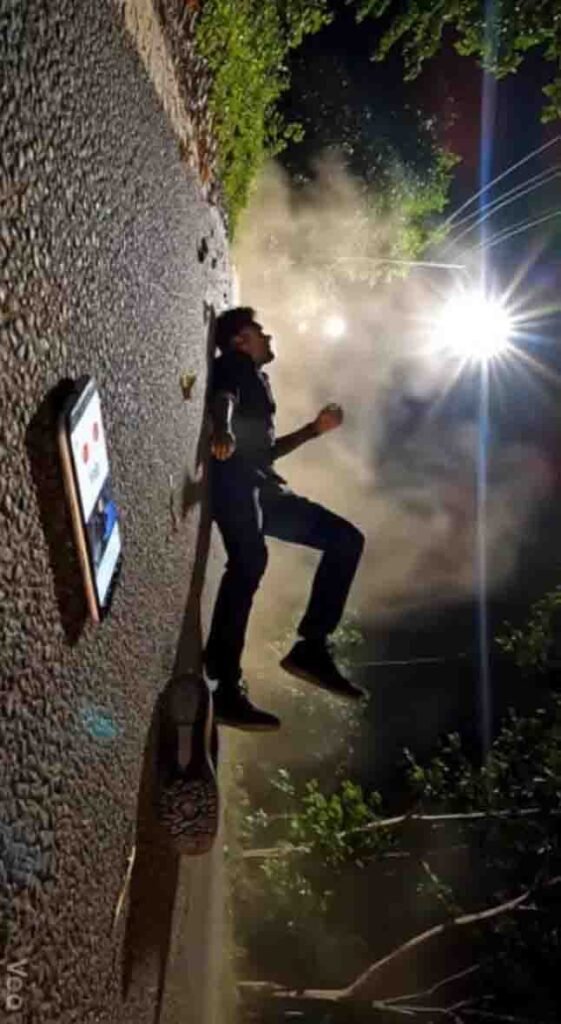
Prompt
Cinematic extreme low-angle side view, fixed camera placed directly on rough Indian asphalt at night. The scene captures a violent hit-and-run taking place from left to right. A massive, dull brown-orange Indian commercial truck (Tata / Ashok Leyland style) with yellow reflective strips is roaring past the frame, its side profile heavily blurred by speed. A massive, chaotic cloud of dust, dry leaves, and debris explodes forward from the front of the truck, indicating a recent frontal impact.
In the immediate foreground, inches from the camera lens on the cracked road surface, a modern smartphone with a lit, cracked screen is tumbling wildly mid-air across the asphalt. The glowing screen clearly shows an active video call interface with the contact name “My Girl” . Next to the tumbling phone, a single sneaker is also skidding across the road.
a human figure from the reference image loses balance near the rear side of the truck. The motion is implied and natural, not sudden or artificial. The body enters the frame already in motion, bumped forward by the truck’s momentum. Gravity pulls the figure straight downward, with the torso aligned in the direction of travel.
The harsh white Indian streetlight from the wooded edge casts long horizontal shadows, starburst lens flares, and illuminates the swirling dust particles. Cold night tones dominate. The truck’s suspension is visibly compressed from the force. The background is dark forest silhouettes. No camera movement. Photorealistic, dramatic, gritty.
After pasting the prompt, simply click on Generate Video and wait for the AI to process it. Within a short time, your cinematic video will be ready to download.
Tips to Make Your AI Video More Realistic
If you want your AI-generated video to look more realistic and cinematic, then follow these tips:
- Use high-quality reference images.
- Write clear and detailed prompts.
- Add cinematic words like dramatic, realistic, cinematic lighting, ultra-detailed.
- Try different prompts until you get the best result.
- Use short clips for reels so they perform better on Instagram.
These small tricks can make a big difference in the quality of your AI videos.
Is AI Video Safe for Social Media?
Yes, AI videos are generally safe to upload on social media platforms. However, you should always avoid creating harmful or misleading content.
Make sure your content is used only for creative and entertainment purposes, so that it does not cause confusion or harm to others.
Connect With Me on Social Media
Friends, my name is Vikas Verma and I am a video editor and it has been a long time since I have been editing videos, that is why I keep giving you new templates and editing tips and tricks daily on my website editprotips, using which you can also edit your videos absolutely free, so if you want to learn video editing or want to get video editing done from me, then you can message me on Instagram.
Last word
So friends, I hope you now understand how to create a truck accident AI video using simple AI tools and prompts. With the help of AI, anyone can now create cinematic videos without advanced editing skills.
If you still face any problem, you can tell me by commenting in the comment box below. I will try my best to reply and help you.
Also let me know in the comments how you liked this article.
Thank you.