
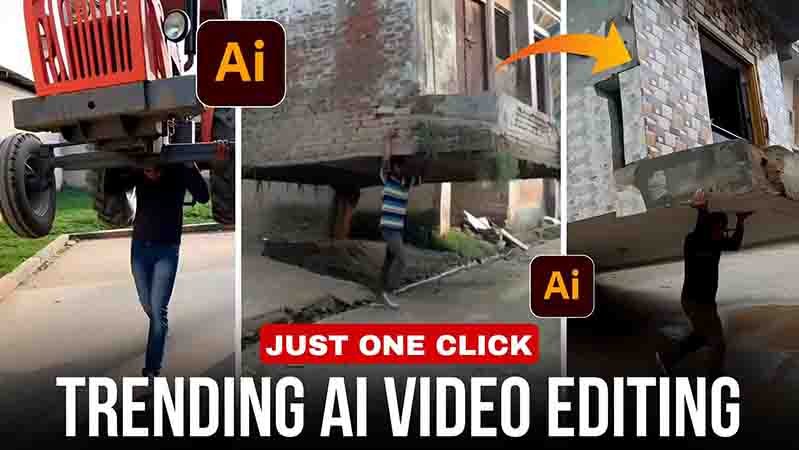
Hello friends, currently videos made using AI are becoming very viral on Instagram, so if you also want to make videos using AI, then this article is for you.
Because in this article I am going to tell you how you can create AI videos absolutely free with the help of prompts in Google Flow.
What is AI Video?
Friends, this video is created from AI websites like Google Gemini, Google Flow, or there are many other websites where you can generate AI videos and right now videos made from AI are trending.
How to make Ai video
Friends, if you want to create a video with AI, you can easily make an AI video by following the simple steps below.
- First, copy the prompt given in the article.
- Now open the Google Flow website.
- Create a new project.
- Select the Text to Video option and then the Frame to Video option.
- Upload your clear photo.
- Paste this prompt and send it.
- And just wait a little. Your AI video will be automatically created.’
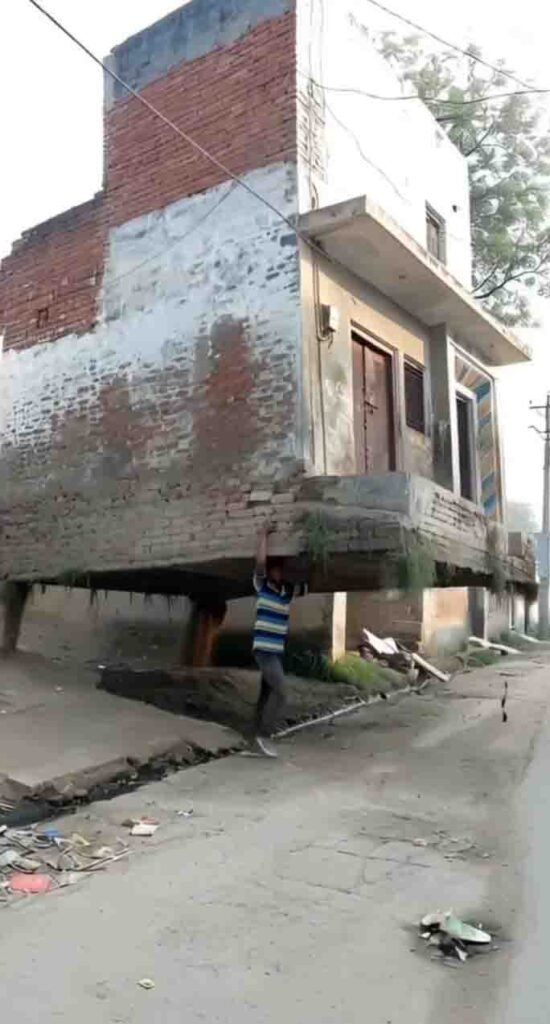
Prompt
A hyper-realistic cinematic video created from my uploaded photo as the base.
The same house visible in the photo remains in its original place.
The subject from the photo stands beside the house.
The ground shakes gently as cracks spread outward and loose soil breaks apart.
With natural, realistic body motion and subtle breathing, the subject grips the base of the house with both hands and slowly lifts it from the ground.
Dust and small debris fall as the house comes free, foundation and soil pieces dangling.
The subject raises the house above shoulder height and begins walking forward while carrying it.
Smooth physics-accurate movement, natural hair and cloth motion, soft sunlight rays, real-world shadows, and cinematic depth of field, 4K hyper-real live-action realism, no exaggerated expressions.
Benefits of creating
- Chances of videos going viral increase’
- Time is saved
- No editing required
- Professional editing allows for a better video
- Increases Instagram followers and views
Google flow video not create problem slowed
Friends, if you too are not able to create AI video from Google Flow website and video creation is failing, then you can solve this problem by following the steps given below.
- Be sure to log in to Google Flow.
- Select a photo with a clear face.
- Use a 4.5G network.
- Select frame to video instead of text to video.
Conclusion
If you also want to create an AI video from your photo, you can go to the Google Flow website and create it with the help of the prompt in just one click, and that too, you can generate an AI video absolutely free.