
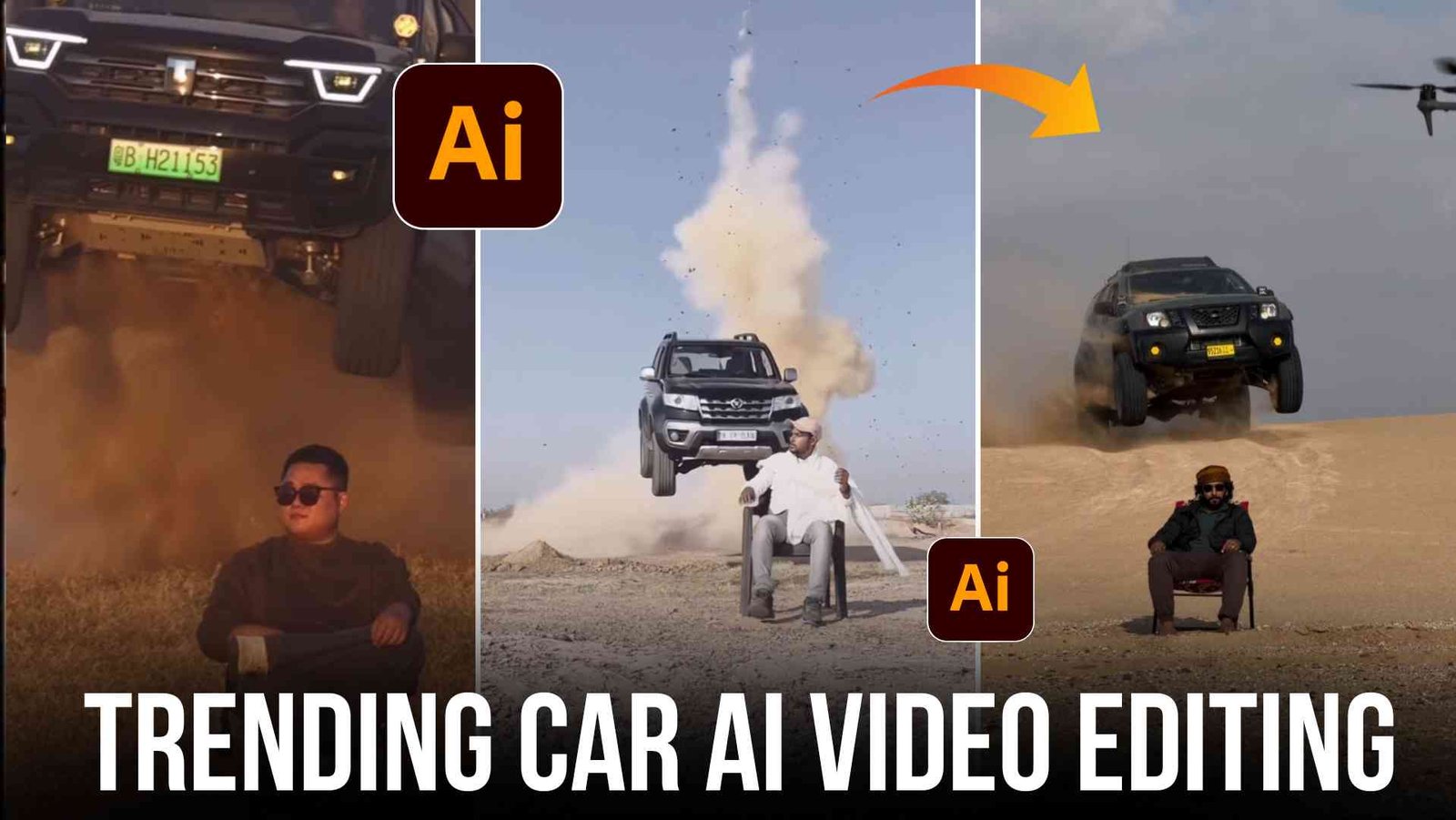
So friends, how are you all? I hope you all are doing well. So friends, today I am going to teach you how you can edit your car’s video absolutely free by using the prompts given by me. So if you are a video editor or want to learn editing, then you have come to the right place.
Because I am doing video and photo editing from last 5 years and I know a lot about video editing and photo editing, that is why I keep giving you new trending templates, backgrounds, AI prompts and many more editing stocks on this website daily, that too absolutely free.
Details Of Car Ai Video
Friends, in such a video, a man is sitting on a chair in the desert and suddenly a bike comes from behind, raising dust and passes behind him, due to which a lot of dust starts flying there. This makes this video very interesting and that is why it is becoming very viral at this time and the most interesting thing is that you can also make such videos very easily with the help of AI, you just need to know how to use the right prompt. So, if you also want to learn how such training videos are made, then you can easily learn by reading the paragraph given below carefully.
How to use the prompt
FRIENDS IF YOU WANT TO MAKE A CAR CAR VIDEO, THEN YOU CAN MAKE IT BY USING THE PROMPTS GIVEN BY ME. I HAVE GIVEN YOU PROMPTS FOR BOTH PHOTO AND VIDEO. YOU CAN LEARN HOW TO USE THE PROMPTS BY FOLLOWING THE STEPS GIVEN BELOW.
- So first of all you have to copy the prompt with the photo
- After this, go to Google Gemini and upload any of your photos there.
- And you have to beat the prompt I gave you.
- And as soon as you send it, a video will be made with your car and will be ready.
How to make a video from a photo
- Now that your photo is ready, you need to copy the video prompt.
- And go to Google Flow Wepsite
- need to create a new project there
- Or then instead of text to video, frame to video has to be selected.
- Then click on the plus icon and upload the photo that you created using Google Gemini.
- Then you have to simply send it after beating the prompt.
- So within 1 to 2 minutes your car video will be ready.
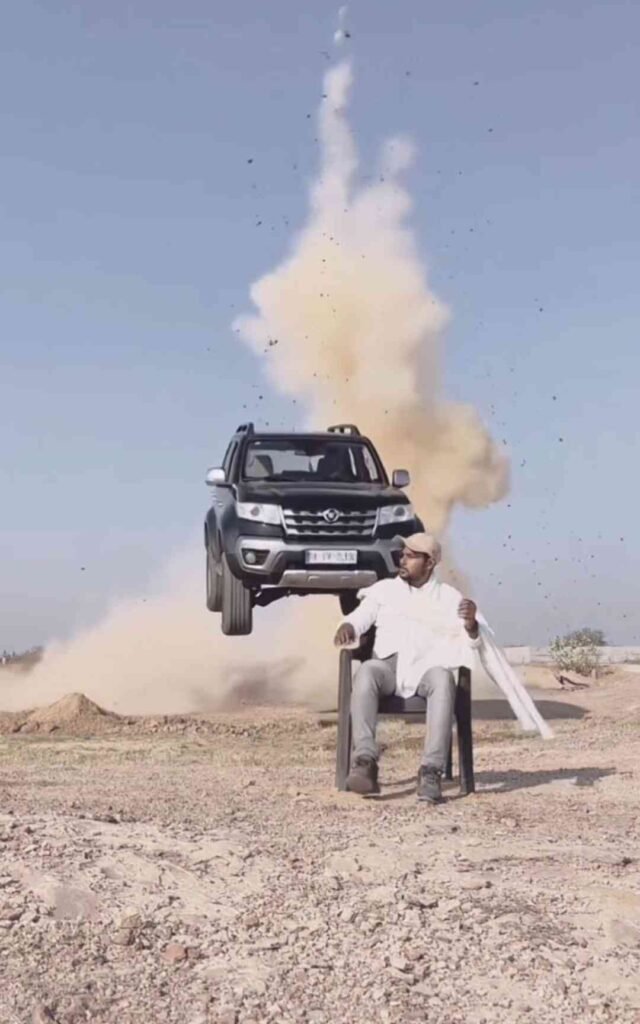
Photo Prompt
Please generate a image using my picture A striking editorial portrait of a handsome young man in a long, camel-brown overcoat and black leather pants/boots, seated on a black folding chair in the middle of a vast, bright desert with large sand dunes. Harsh, natural light. Fashion photography, high quality, cinematic.”
Video Prompt
A stunning outdoor fashion portrait of a cool, confident man in a brown coat and thigh-high black boots, come in frame and sitting on a camping chair in a sun-drenched, sandy desert landscape. An action vehicle (indian thar black colour ) is partially visible in the background and come as jump backside of man, adding an element of dynamic excitement.”
what is Ai video
Friends, nowadays people are not only making photos but also videos which look absolutely real. You can make videos very easily in Pixverse Aai, Flow Aai, Hiss Fish Aai.
To make an AI video, you definitely need a photo. You can convert the photo into an AI video. This is currently trending on Instagram and Facebook. So, if you also want to make a car AI video, then you can make your own AI car video today by following the steps given below.
how to make Ai car videos
First, copy the Google Gemini prompt below. Then, go to Google Gemini, upload your photo, and paste the prompt. This will create your car photo.
And after downloading it, you have to come back to my website and copy the video prompt, then go to Google Flow website and create a new project and instead of text to video, select frame to video, then upload that photo of yours and paste this prompt and as soon as you send it, your video will be automatically created.
Feature of Ai Prompt
- You can create both photos and videos using the prompts I provide.
- You can use AI prompt in Google Gemini, chatgpt, grok AI, flow AI.
- You can create your own car video using these prompts.
- The prompt is absolutely free
- In this your photo or video is made in 1 click.
Extractive
Friends, you must have learned to make this AI car video, so do tell us how you liked this AI car video by commenting and if you face any problem in making the AI car video, then you can comment in the comment box given below, I will definitely try to reply to you. And that’s all for today, see you in the next post, till then stay happy and keep sharing happiness.