
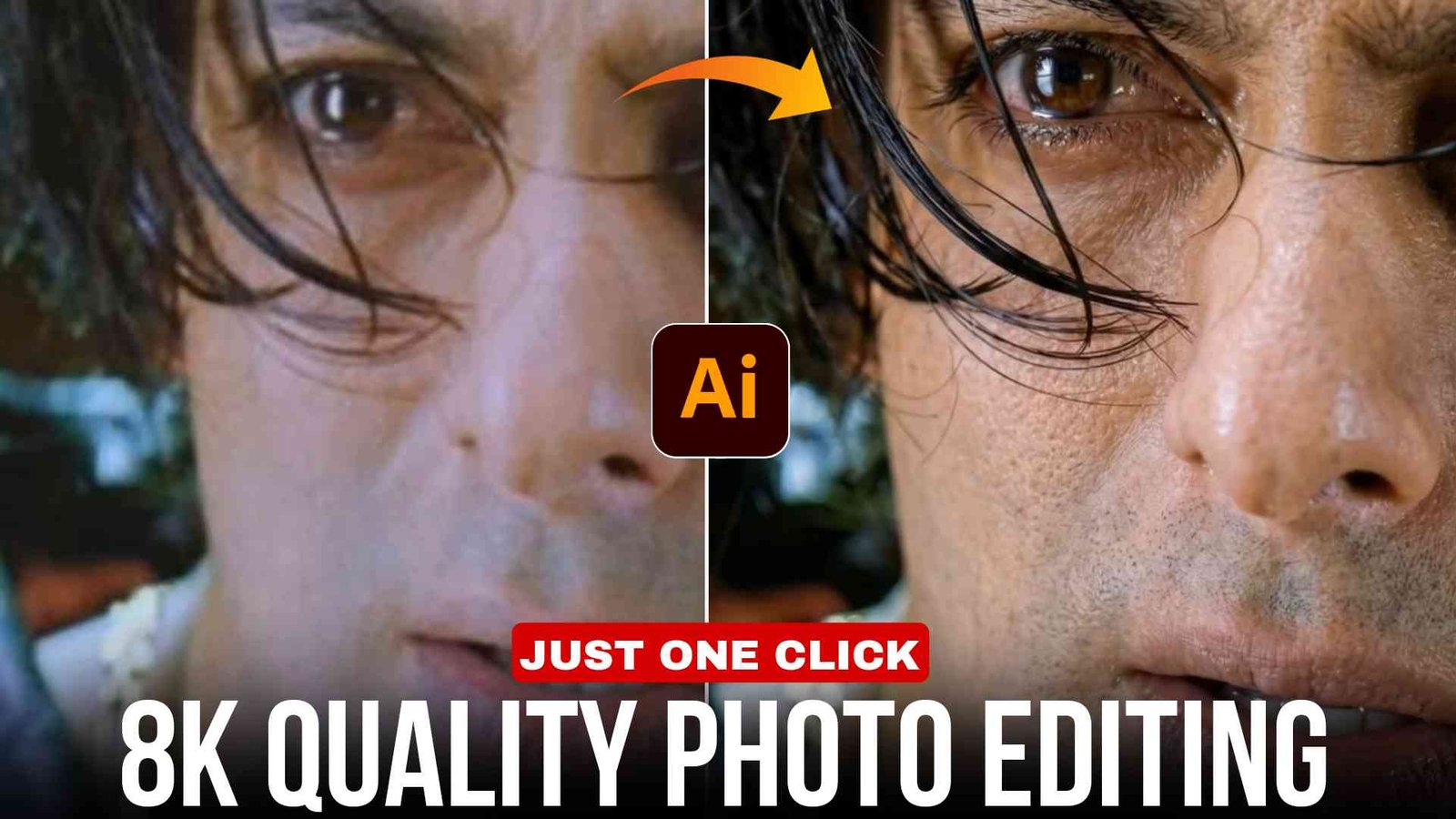
8k quality photo editing prompt (Chatgpt) :- Hello friends, today I am going to teach you how you can enhance your blurred and low quality photo to 8k quality. So if you also have a bad or blurry photo, then you can enhance it absolutely free with the help of prompt in Chatgpt, which looks amazing.
What is 8k quality photo
The pixels of 8k quality photo do not burst and it remains in full HD quality. The quality does not decrease when it is uploaded on Instagram or Facebook. You can create it by entering a prompt in Chatgpt or Google Gemini. 8k quality photo becomes very viral and remains trending.
How to convert blur to 8k quality photo
- First, copy the prompt provided below in this article.
- And open Google Gemini or Chatgpt.
- Upload any of your photos and paste this prompt.
- Then wait a bit.
- Your photo will be converted to 8K quality.
Futures of 8k quality photo
- It doesn’t come with a watermark.
- It’s completely free
- Image quality is high.
- Photos are extremely sharp.
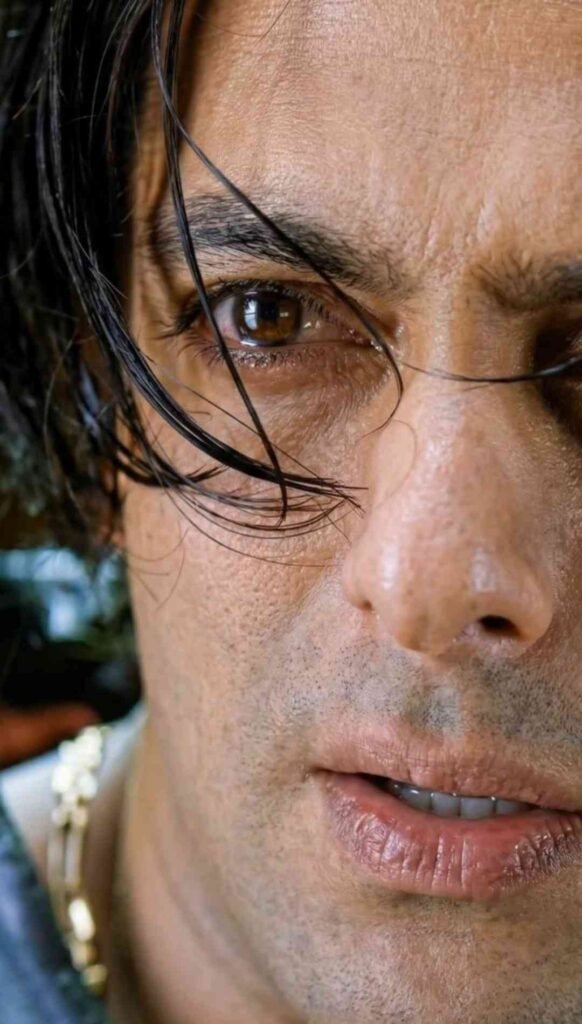
Prompt
Refine focus slightly for better definition without making it overly sharp. ply soft, natural cinematic lighting correction, preserving realistic shadows and dep eady present in the imas
Enhance natural skin texture with visible pores and fine details – no beauty smoothing, no skin softening.
Remove digital noise and compression artifacts while retaining organic texture.
Improve dynamic range and contrast subtly, with muted highlights and rich mid-tones.
Maintain accurate, organic skin tones with realistic color balance.
Add very subtle cinematic film grain for a professional movie-still look.
Background should remain exactly as it is, only slightly cleaner if noisy — no artificial blur added.
Preserve all facial features, expressions, hair strands, and natural imperfections.
Photorealistic result, professional camera look, high-quality enhancement only – no stylization.
O NEGATIVE PROMPT (CRITICAL)
close-up, zoomed-in, cropped face, changed framing, face alteration, reshaped features, beauty filter, oversmoothed skin, plastic skin, waxy texture, Al face, cartoon, anime, CGI, illustration, painting, artificial blur, fake bokeh, harsh lighting, flat lighting, over-sharpening, halos, HDR look, distorted eyes, asymmetry, extra details, digital artifacts, smartphone filter look.
RECOMMENDED SETTINGS (IMPORTANT)
Image-to-Image Strength / Denoise: 0.15 – 0.30
CFG / Guidance: 5-7
Steps: 25 – 35
Face Restoration: OFF
Upscale: After final result only (2x max)
Seed: Fixed (for consistency)
Page
Apply an ethereal cinematic lighting effect to the uploaded
photo while fully preserving all original facial features, proportions, skin texture, and fine details.
Create directional golden-hour sunlight entering from one side (side-lighting), falling diagonally across the face, illuminating the cheekbone, nose bridge, lips, and eye area, while the
opposite side naturally fades into soft shadow
The lighting should match a window-light + softbox blend, with
sunlight gently wrapping around the face and hair, creating cinematic contrast without harsh edges.
Achieve a Korean glass-skin finish – smooth, hydrated, luminous, and realistic – with visible pores and natural Skin
texture (no plastic look, no aggressive smoothing)
Add subtle glowing highlights on the nose tip, cupid’s bow cheekbones, and hair strands where light hits, maintaining clean separation between highlights and shadows.
Introduce a very soft lens bloom and a thin atmospheric glow
around the face and shoulders, keeping it delicate and cinematic.
Slightly reduce background saturation and contrast while keeping the background intact and natural.
Maintain original color balance with no oversaturation, no skin
tone shift, and no facial reshaping
The final result should look realistic, elegant, professional,
cinematic, and naturally color-graded – like a high-end portrait shot in golden-hour window light.
Do not alter the subject’s face shape, facial structure, or hairstyle. The final result should look realistic, elegant, cinematic, and professionally color-graded.
About me
Friends, my name is Vikas and I am a video editor and I have been doing video editing for more than 5 years, that is why I keep giving you new templates and Editprotips.net s and tricks on my website every day and if you want to learn video editing or want to get video editing done from me, then you can message me on Instagram.
Conclusion
Friends, I hope you’ve learned how to upscale your blurry photos to 8K quality. If you still have any problems and can’t enhance your photos, please comment in the comment section below. Let me know how you felt about this post.
Thank you.